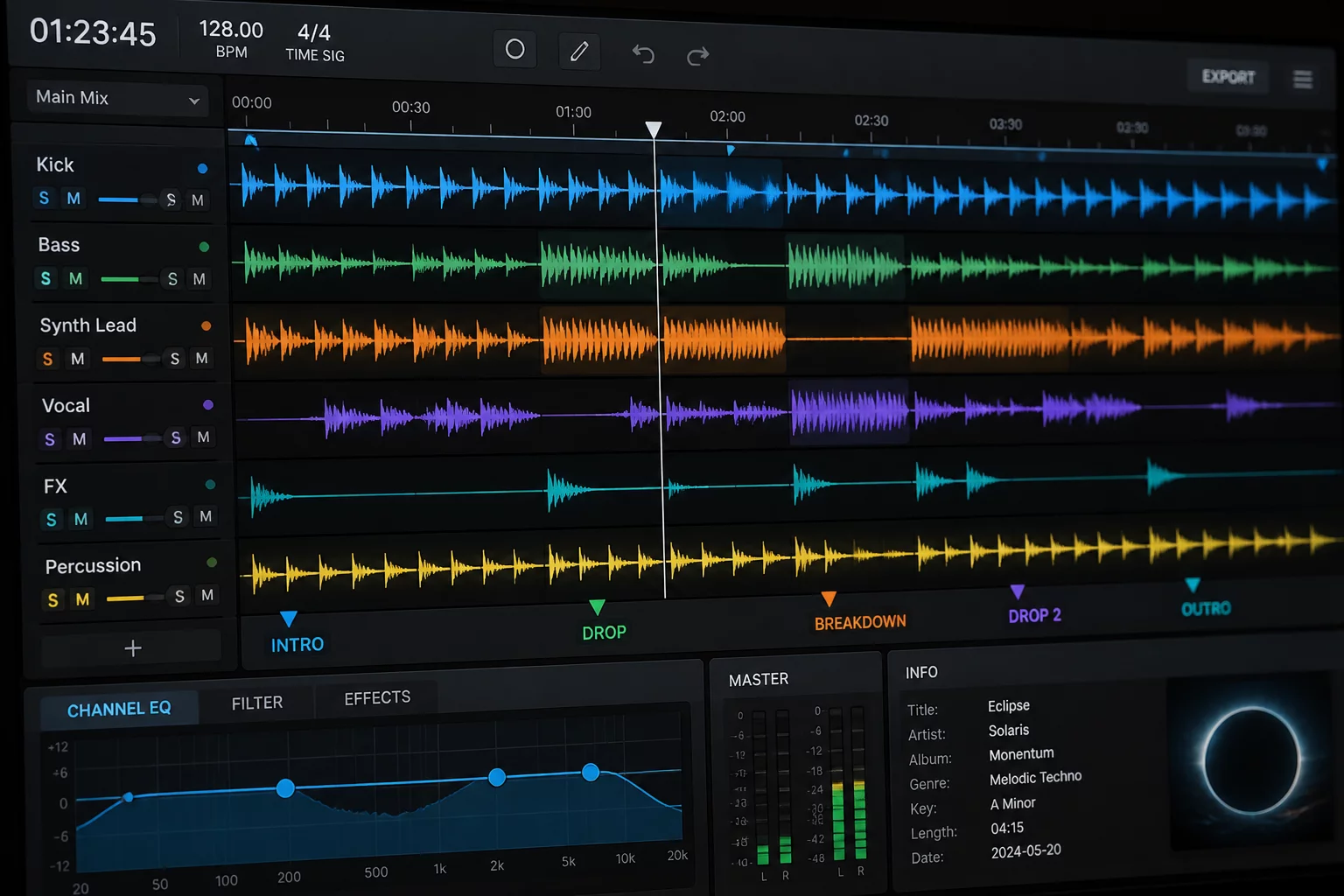
Every performance produces an unvarnished audit trail deep within the software interface. The History panel archives deck loads, playtime counters, and cue engagements with clinical accuracy, yet DJs frequently misread these registries by mistaking hasty headphone auditions for broadcasted tracks. Navigating this panel correctly transforms raw, cluttered event tables into an objective debriefing tool for your stage craft.
Locating and Sorting Historical Session Crates
Accessing the master log begins by selecting the History button situated at the upper border of the library browser. The secondary panel reveals a chronological tree of past performances arranged by date and system startup time. Sessions crossing past midnight create distinct split points, requiring selectors to inspect both adjoining ledger files to piece together a unified four-hour club performance.
- Select the History icon on the upper interface panel to display archived logs by calendar date.
- Inspect the start time column to locate performance blocks separated by hardware disconnects or software restarts.
- Review both pre-midnight and post-midnight session nodes whenever an engagement crosses into morning hours.
- Enable metadata column headers such as Deck, Playtime, and Start Time before running set evaluations.
The history panel preserves every panic load, rejected tempo experiment, and triumphant floor transition with exact numerical honesty.
Filtering Headphone Auditions from Live Floor Transmissions
A recurring complication during review stems from ghost tracks that clutter the session log. When you drag a track onto an open deck, preview it in your headphones for fifteen seconds, and promptly eject it, the software still marks the file in that evening's ledger. This behavior inflates track counts and distorts sequence progression unless you examine the exact duration values assigned to each entry.
The Playtime Verification Standard
Entries registered with durations under forty-five seconds indicate abortive auditions or instant cue resets rather than active dancefloor selections. Real transitions typically exhibit playback times ranging from two to six minutes depending on mixing tempo and genre conventions. Cross-referencing playback duration against active deck assignments exposes the precise moment a planned sequence collapsed, forcing a rapid track swap inside the live environment.
Frequently Addressed Session Log Enquiries
Software registers an entry as soon as audio data loads onto an active deck and experiences playhead movement. The application tracks transport motion instead of physical mixer line faders, meaning headphone previews register alongside tunes amplified across the sound system.
Hardware disconnects force the software to finalize the active ledger and spawn a new timestamp container upon reconnection. Select both session sub-crates, inspect the sequential timestamps along their border, and evaluate the play sequences continuously to preserve complete performance continuity.