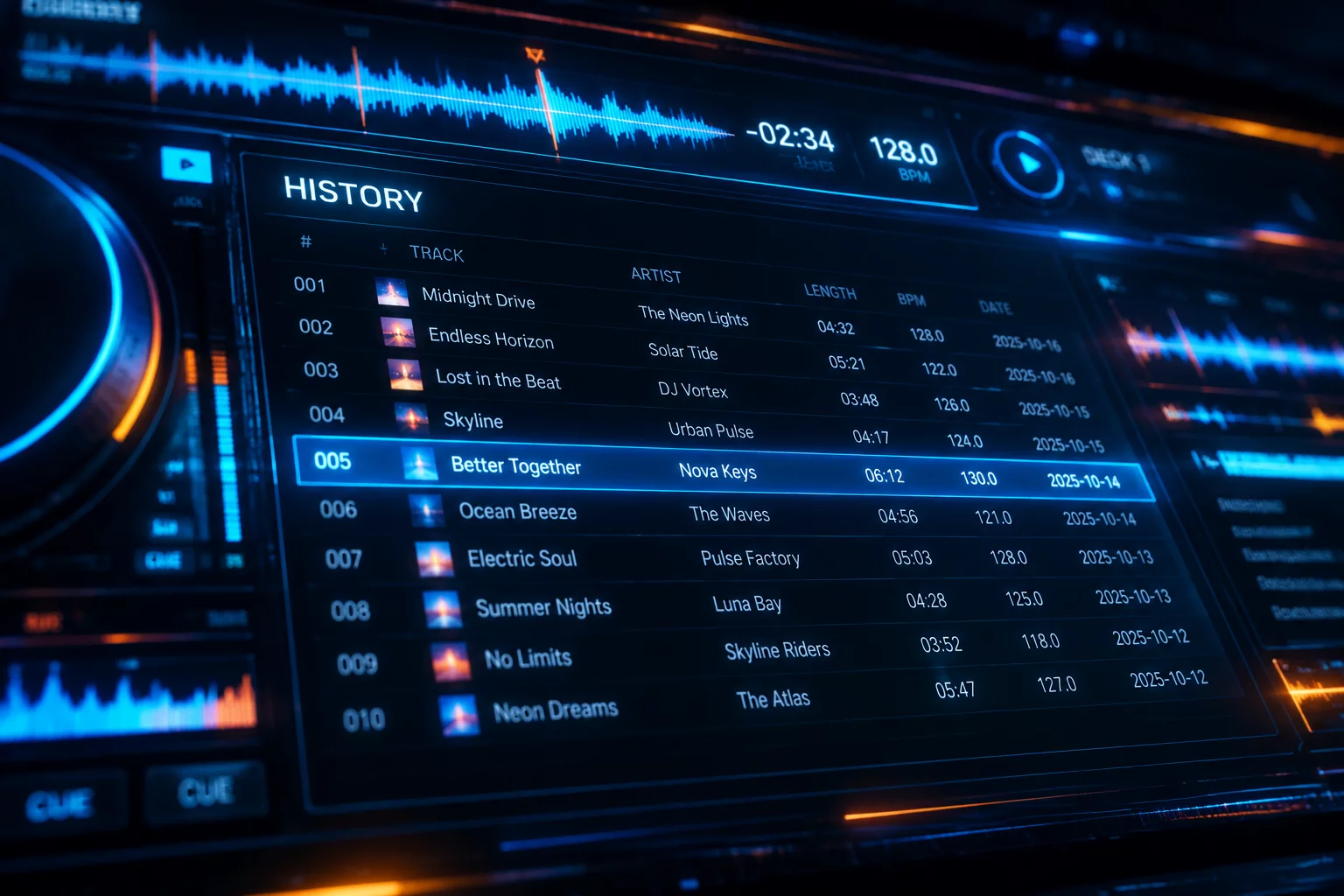
Every line in a Serato history session represents a moment in time, recording exactly when a selector loaded a track, let it ride, or quickly abandoned it for an emergency transition. While many performers glance only at track titles, analyzing precise start times and relative durations uncovers the emotional arc and actual momentum of any live performance.
Deconstructing Clock Timestamps and Duration Windows
Serato logs session events using local machine time, appending an exact hour, minute, and second value when a song meets the play threshold. Examining the time gap between consecutive entries reveals whether the selector allowed songs to develop organically or entered a rapid-fire mixing state driven by floor urgency.
- Session initiation timestamps establish club arrival context and warm-up pacing.
- Track lifespan intervals expose whether extended breakdowns held attention or stalled energy.
- Late-night hour shifts highlight moments where physical fatigue altered mixing speed.
The clock never lies about set velocity. An eight-minute track gap shows supreme confidence, while four loads inside seven minutes reflects an urgent scramble for floor control.
Evaluating Peak-Hour Run Rates and Play Duration Patterns
Calculating run rates across distinct ninety-minute blocks demonstrates how room density influences structural choices. During initial warm-up windows, songs frequently play for four to five minutes, allowing dancers to settle into steady grooves without abrupt percussive shifts.
Correlating Midnight Surges with Accelerated Deck Rotation
As midnight passes, history logs frequently show average play times contracting down to two minutes or less. When selectors notice escalating room energy, deck swaps accelerate dramatically, creating layered builds that peak-time audiences actively crave.
Session Date and Timestamp Troubleshooting
Serato relies entirely on the local operating system clock at software initialization. If the laptop experienced time-zone synchronization errors or traveled across borders without updating network time, exported session logs will register identical discrepancies across all recorded records.
Inspect the duration window between adjacent track entries. Any record logging under forty-five seconds before an immediate replacement generally represents an auditioned idea rejected before the crossfader opened, whereas three-minute records confirm intentional live performance playback.